
Brother Toner Replacement: A Buyer's Guide to Replacement Toner
| Jul 31, 2026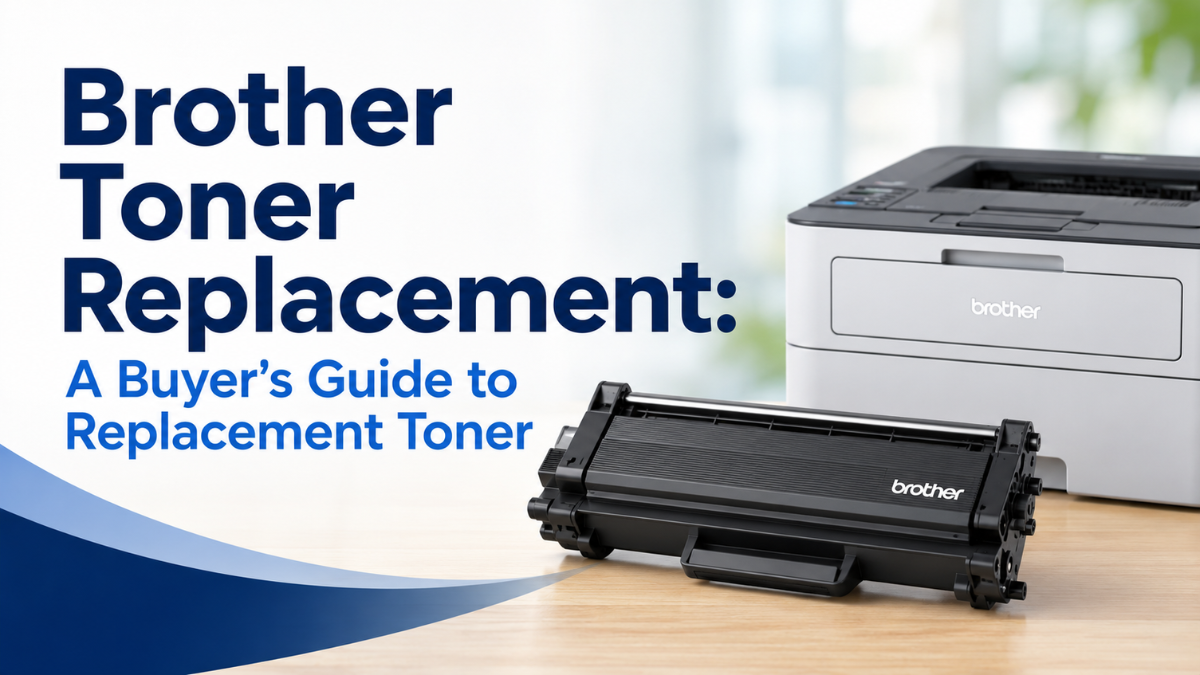
Replacing an empty toner cartridge doesn’t have to be complicated. With so many options available, however, choosing the right Brother toner replacement can feel overwhelming. Should you buy an original Brother cartridge, a compatible option, or a remanufactured one?
Understanding your choices can help you find the right Brother toner cartridge replacement for your printer while keeping printing costs manageable. Whether you’re printing work documents at home, school assignments, or hundreds of pages for your business, this guide explains what to look for before buying laser printer toner.
What Is Brother Toner Replacement?
Brother toner replacement simply refers to replacing the toner cartridge in a Brother laser printer when it is empty or no longer producing acceptable print quality.
Unlike inkjet printers, laser printers use toner powder rather than liquid ink. A toner cartridge contains the toner needed to create text and images on paper.
When it’s time for a replacement, you generally have three choices:
- OEM toner: Made and sold by Brother.
- Compatible toner: Newly manufactured by a third-party company for specific Brother printers.
- Remanufactured toner: Previously used cartridges that have been cleaned, refilled, tested, and prepared for reuse.
Each option has different advantages in terms of price, availability, and features.
When Should You Replace Brother Toner?
Your printer will usually alert you when the toner is running low or needs to be replaced. However, you may notice print quality problems before the printer displays a warning.
Common signs include:
- Faded or light text
- Uneven black areas
- White spots or missing sections
- Gray-looking text instead of solid black
- Black streaks across the page
- Smudges or repeated marks
If your pages suddenly look different, don’t immediately assume the printer itself is damaged. A worn or empty toner cartridge may simply need to be replaced.
Brother Toner Cartridge Replacement: What Are Your Options?
Choosing the right Brother toner cartridge replacement depends on your budget, printing needs, and preferences.
OEM Brother Toner
OEM cartridges are manufactured specifically by Brother.
Advantages:
- Designed for your specific printer
- Consistent print quality
- Easy compatibility
- Manufacturer support
Potential drawback: OEM cartridges are typically more expensive than third-party alternatives.
Compatible Brother Toner
Compatible toner cartridges are made by third-party manufacturers and designed to work with specific Brother models.
They can be considerably less expensive than OEM cartridges, making them attractive to home users, students, and businesses that print frequently.
When buying compatible toner, always check the exact printer model and cartridge number before ordering.
Remanufactured Brother Toner
Remanufactured cartridges reuse an existing cartridge housing. The cartridge is cleaned, refilled, tested, and prepared for another printing cycle.
This can be a practical option for buyers who want to reduce printing costs while also giving an existing cartridge another use.
How to Choose the Right Replacement Toner for Brother Printer
Before buying a replacement toner for Brother printer models, check these important details.
1. Your Exact Printer Model
Brother produces many laser printers with similar model numbers. Always check the exact model listed on your printer or its documentation.
2. Cartridge Number
The toner cartridge number is just as important as the printer model. Two Brother printers may look similar but use different toner cartridges.
3. Page Yield
Page yield tells you approximately how many pages a cartridge can print under standard testing conditions.
A cartridge with a higher page yield may cost more initially but could offer better value if you print frequently.
4. Black or Color Toner
Brother monochrome laser printers generally use black toner, while color laser models use separate cartridges for colors such as cyan, magenta, yellow, and black.
Make sure you’re purchasing the correct color and cartridge type.
5. Return Policy and Warranty
A reputable supplier should provide clear return and warranty policies. This is especially important when purchasing third-party toner.
How to Choose the Best Replacement Toner Cartridges for Brother
The best replacement toner cartridges for Brother printers aren’t necessarily the cheapest ones. A good cartridge should provide a balance of price, print quality, page yield, and reliability.
Before making a purchase, consider:
- Cartridge compatibility
- Expected page yield
- Print quality
- Supplier reputation
- Warranty coverage
- Customer reviews
A slightly more expensive cartridge from a reputable supplier may be a better value than an extremely cheap cartridge that produces poor-quality prints.
How to Replace Toner on a Brother Printer
Once you have the correct cartridge, installation is usually straightforward.
To replace toner on Brother printer models:
- Turn on the printer and open the front or top cover.
- Remove the toner and drum assembly according to your printer’s instructions.
- Remove the empty toner cartridge from the drum unit, if applicable.
- Prepare the new toner cartridge as directed by the manufacturer.
- Install the new toner into the drum unit if your model uses a separate drum and toner system.
- Slide the assembly back into the printer.
- Close the cover.
- Print a test page to confirm everything is working correctly.
The exact process varies by Brother model, so always follow the instructions for your specific printer.
Brother Printer Toner Cartridge Replacement and Print Quality Problems
Replacing toner should restore print quality in many cases, but sometimes the problem has another cause.
Brother Printer Toner Cartridge Replacement Still Producing Streaks
If you have completed a Brother printer toner cartridge replacement and your pages still contain streaks, inspect the printed page carefully.
For example, laser printer black streaks may be caused by a worn toner cartridge, dirty internal components, or a drum-related issue rather than toner alone.
Avoid immediately buying another cartridge until you identify the source of the problem.
Smudges After Installing New Toner
If toner appears smeared or transfers easily from the paper, there could be an issue with the toner, paper, fuser, or printer settings.
Our guide on how to fix laser printer smudges can help you troubleshoot the problem before replacing additional supplies.
Does Compatible Toner Affect Print Quality?
Many buyers wonder whether compatible toner can provide results similar to OEM cartridges.
The answer depends largely on the quality of the cartridge. A well-made Brother toner replacement cartridge designed for the correct Brother printer can provide sharp text and consistent output.
However, quality can vary between suppliers. That’s why it is important to buy from a company, like compandsave.com, with a good reputation, clear warranty terms, and a history of testing its products.
If you’re considering a compatible toner for regular home or office printing, compare the cartridge specifications rather than choosing solely based on the lowest price.
How to Get the Most from Your Brother Toner
Once you’ve purchased the right toner, a few simple habits can help you get better results.
- Store unused toner in its original packaging until needed.
- Keep toner away from excessive heat and moisture.
- Use paper that is suitable for laser printers.
- Avoid shaking or handling cartridges unnecessarily.
- Replace cartridges when print quality consistently declines.
- Keep the printer’s interior clean according to the manufacturer’s instructions.
These simple habits can help protect both your toner and your printer.
Final Thoughts
Choosing the right Brother toner replacement can make a significant difference in both your printing costs and overall print quality. Instead of automatically choosing the cheapest option, compare cartridge compatibility, page yield, quality, warranty, and supplier reputation.
Whether you choose OEM, compatible, or replacement toner for Brother printer, the most important thing is selecting a cartridge designed for your exact model. With the right Brother toner cartridge replacement, you can keep printing sharp, reliable documents while making your printing budget go further.
Frequently Asked Questions
1. Is Brother toner replacement cheaper than buying OEM toner?
It often can be, particularly when choosing compatible or remanufactured options. The potential savings depend on the cartridge type, page yield, supplier, and printer model.
2. What is the best replacement toner for Brother printers?
The best replacement toner cartridges for Brother printers should offer reliable compatibility, good page yield, consistent print quality, and reasonable pricing. A reputable supplier and a clear warranty can also make a significant difference.
3. How do I know which Brother toner cartridge replacement I need?
Check both your Brother printer model and the cartridge number before ordering. Using the exact cartridge number is one of the easiest ways to avoid purchasing an incompatible replacement.
4. Can I use a compatible toner in my Brother laser printer?
Compatible toner is designed by third-party manufacturers for specific Brother laser printers. Always confirm that the cartridge is made for your exact printer model before purchasing.
5. Why is my Brother printer still streaking after a toner replacement?
If Brother toner cartridge replacement doesn’t solve streaking, the issue may involve the drum, printer settings, paper, or another internal component. Persistent printer black streaks may require additional troubleshooting.
Related Articles
What Is a Laser Printer Toner?
How to Replace Toner on Brother Printer?
Laser Printer Black Streaks Explained: The Real Fixes That Work
Laser Printer Smudge Problems Solved: Clean Prints in Minutes