
Canon Printer Not Printing Black? Solve It in Minutes
| Apr 15, 2026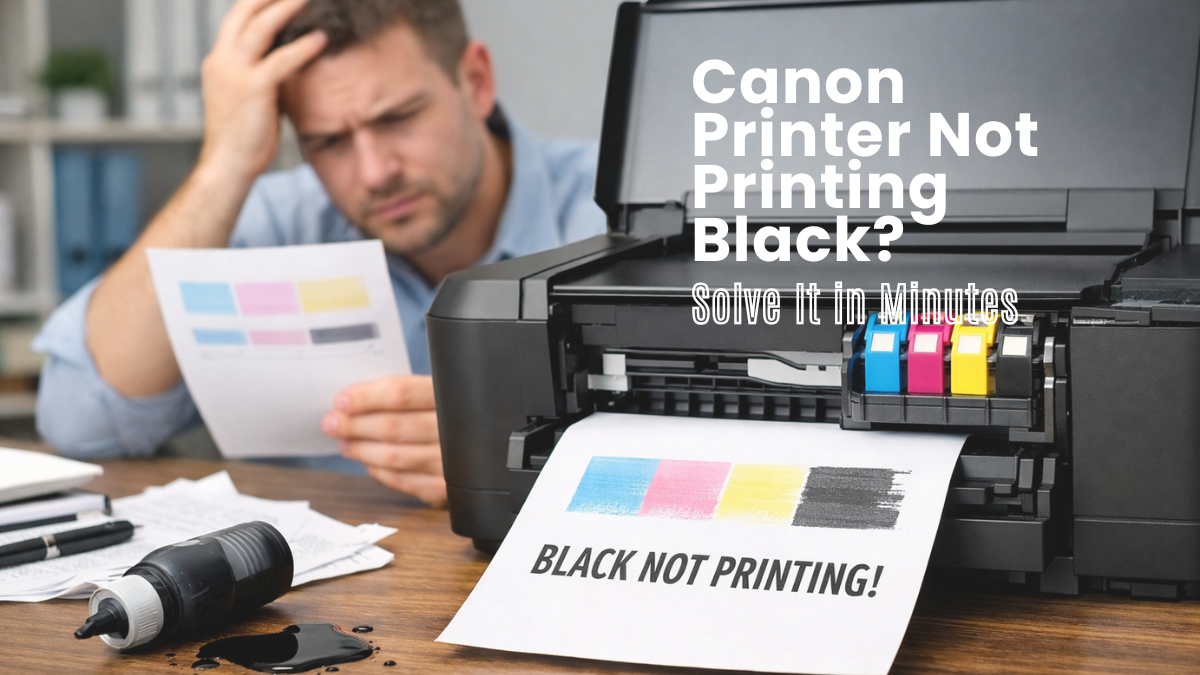
Nothing is more frustrating than hitting “Print” and getting a page with no black ink—especially when you need it the most. Among common Canon printer problems, black ink not working is one of the most frequent issues users face at home or in the office. The good news? In most cases, the problem isn’t serious and can be fixed with a few simple steps. Whether it’s a clogged print head, low ink, or a small settings issue, there’s usually a quick solution. Even if you’re not tech-savvy, you can troubleshoot and fix this problem yourself.
In this article, you’ll learn:
- Why is your Canon printer not printing black ink
- Easy step-by-step fixes to get black ink working again
- Simple maintenance tips to prevent this issue in the future
- When is the time to seek professional help
Why Is My Canon Printer Not Printing Black Ink?
Many users face black ink not working on Canon printer. Most ink issues stem from simple causes like low ink, clogged nozzles, or incorrect settings, not from serious damage. If you have black ink not working on a Canon printer, the issue is usually easy to find and fix at home. Below are the main reasons black ink is not printing on a Canon printer and how they affect printing.
- Low or Empty Black Ink Cartridge: It often happens due to low or empty ink. Even if ink shows, it may not be enough. Dried ink can also block output. A Canon black cartridge not printing usually needs replacement. This is a common cause of black ink not working on a Canon printer.
- Clogged Print Head Nozzles: Clogged nozzles stop ink flow and cause Canon black ink not to print. This happens when the printer is unused for a long time. It leads to blank or missing black text. Cleaning cycles usually fix black ink not printing on the Canon printer.
- Cartridge Not Installed Properly: Improper installation can block ink flow and cause a Canon black cartridge not printing issue. The cartridge may not be seated correctly, or tape may remain. Fixing placement often restores black ink not working on Canon printer.
- Air Bubbles in Ink Lines: Air bubbles can stop ink flow and lead to Canon black ink not printing. This is common after refilling tanks. Cleaning cycles help restore flow and fix black ink not printing on the Canon printer.
- Outdated Drivers or Software Issues: Outdated drivers can cause the Canon printer not to print black by blocking communication. This may also trigger cartridge or print errors. Updating drivers often fixes black ink not working on Canon printer.
- Possible Hardware Problems: If nothing works, it may be a hardware failure causing the Canon printer not to print black. This includes print head or internal damage. At this stage, black ink not printing on Canon printer may need repair.
What Should I Do First?
Many users face Canon printer problems due to simple issues like power, ink, or settings. Reports show that most black ink not working on Canon printer problems are caused by basic setup errors, not hardware failure. Before advanced fixes, follow these quick checks to fix the Canon printer not printing black and resolve black ink not printing on the Canon printer fast.
1. Check if the printer is turned on and Connected Properly
A loose connection can cause the Canon printer not to print black.
- Ensure the printer is ON
- Check the USB or Wi-Fi connection
- Restart printer
2. Check Black Ink Levels
Low ink is a major cause of not printing black.
- Check the ink status from the printer panel or the software
- Replace low or empty cartridge
3. Reinstall the Black Ink Cartridge Correctly
Improper installation causes the black ink not to work on the Canon printer.
- Remove and reinsert the cartridge
- Ensure it clicks into place
- Remove any protective tape
4. Print a Test Page or Nozzle Check
This helps confirm Canon black ink not printing issues.
- Run nozzle check
- Look for missing black lines
- Check print quality
5. Make Sure Black Ink Printing Is Enabled in Settings
Wrong settings can stop black ink not working on Canon printer.
- Open print settings
- Select “Black & White” or “Monochrome”
- Avoid color-only mode
How to Fix Canon Printer Not Printing Black Ink (Step-by-Step Guide)
Many printer problems involve not printing black, usually caused by clogged print heads, empty cartridges, or wrong settings. Most black ink not working on Canon printer cases can be fixed without repair. Even black ink not printing on a Canon printer and Canon black ink not printing are often resolved with basic steps. Here are the steps:
Step 1: Replace or Refill Black Ink Cartridge
A major cause is a weak or empty cartridge.
- Replace if the ink looks faded or missing
- Check if the cartridge is dry or expired
- Refill if using refillable tanks
If the cartridge is old, it may also cause the Canon black cartridge not to print or the black ink not to work on the Canon printer.
Step 2: Run Print Head Cleaning
Clogged nozzles are a leading reason for black ink not working on a Canon printer.
- Open printer maintenance menu
- Select the “Cleaning” option
- Print the test page after cleaning
Repeat 2–3 times if needed. This method fixes most cases and helps resolve Canon black ink not printing caused by dried ink blockage.
Step 3: Perform Deep Cleaning for Stubborn Issues
If basic cleaning fails, use deep cleaning for this problem.
- Cleaning removes light clogs
- Deep cleaning clears heavy blockages
- Uses more ink but gives stronger results
Use this when black ink is not working on the Canon printer, continue after normal cleaning. It is highly effective for persistent black ink not printing on Canon printer cases.
Step 4: Fix Printer Settings for Black Ink Printing
Wrong settings can block the Canon printer from printing black, even when the ink is fine.
- Select “Black & White” or “Monochrome” mode
- Set the paper type to “Plain Paper.”
- Avoid color-only print mode
Incorrect settings often lead to black ink not working on Canon printer and even the Canon printer not printing color issues in some cases.
Step 5: Remove and Reinstall Cartridge Properly
Improper installation can stop the Canon printer from printing black instantly.
- Remove the cartridge carefully
- Check protective seals
- Reinsert until it clicks firmly
Wrong placement can trigger Canon black cartridge not printing and may also cause Canon printer not accepting ink cartridge errors.
Step 6: Fix Ink Flow Issues (Air Bubbles in Tank Models)
Tank printers may face ink flow blockage, causing the Canon printer not to print black.
- Check for air gaps in ink lines
- Run system cleaning cycle
- Keep the printer level on a flat surface
Air bubbles block ink delivery and lead to black ink not printing on the Canon printer or weak output. System cleaning usually restores flow and fixes the problems quickly.
When Should You Call for Professional Help?
Most Canon printer problems can be fixed at home, but a Canon printer not printing black may continue after cleaning, cartridge replacement, and settings checks. When black ink does not work on a Canon printer, it usually indicates a hardware issue. If black ink is not printing on the Canon printer, professional repair may be needed.
- Black Ink Still Not Printing After All Fixes: If the Canon printer is not printing black consistently after all steps, the issue is no longer basic. When cleaning and new cartridges fail, black ink not working on the Canon printer points to internal damage.
- Signs of Print Head Damage: Print head damage causes permanent black ink not to work on the Canon printer. Ink does not appear even after cleaning. Missing output confirms ongoing Canon printer is not printing black.
- Internal Hardware Failure Symptoms: Hardware failure can stop the Canon printer from printing black, even with full ink. The printer may detect cartridges but not print. Here, black ink not printing on the Canon printer is not a settings issue.
- Repair vs Replacement: If the Canon printer is not printing black consistently, check the printer’s age. New units are worth repairing; old ones are better replaced. If black ink is not working on the Canon printer or if issues like not printing color occur, replacement is better.
How to prevent black ink not working on Canon printer in the Future
Regular maintenance reduces the issue of not printing black. Most black ink problems happen due to inactivity, low maintenance, or poor ink use. Simple habits prevent Canon black ink from not printing and improve printer life.
Regular Print Head Cleaning Routine: Cleaning prevents the Canon printer from not printing black by stopping ink blockages. It keeps nozzles clear and reduces black ink from not printing on the Canon printer.
Print Weekly to Prevent Ink Drying: Weekly printing prevents black ink not working on the Canon printer caused by dried ink. It keeps ink flowing and reduces the problem of the Canon printer not printing black.
Use Genuine or Premium Quality Compatible Canon Ink Cartridges: Original ink helps to avoid cartridge errors. Low quality third party ink often causes a Canon printer not to accept an ink cartridge and weak output.
Keep Ink Levels Monitored: Low ink leads to the Canon printer not printing black. Checking levels early prevents black ink from not working on the Canon printer and faded prints.
Avoid Long Periods of Printer Inactivity: Idle printers often develop printing issues due to dried ink. Regular use prevents blockage of black and color inks when kept inside the Canon printer.
Conclusion
Canon printer not printing black issues can feel frustrating, but most cases are simple to fix. In many situations, a black ink not working on Canon printer is caused by clogged print heads, low ink, or incorrect settings. These are common printer problems and do not usually require professional repair. With basic checks and cleaning, most users can restore normal printing at home. Even issues like black ink not printing on Canon printer are often solved using simple steps. The key is to follow a clear process instead of guessing. Start with basic troubleshooting, then move to cleaning and settings adjustments. Regular maintenance also helps prevent the Canon printer from not printing black in the future. It keeps your printer stable and improves print quality.
If your issue continues, follow the steps again carefully or seek expert help when needed.
Frequently Asked Questions:
1. Why is my Canon printer not printing black even when the cartridge is full?
A full cartridge does not always guarantee printing. In many cases, it happens due to clogged print heads, air blockages, or incorrect settings. Even when ink is available, black ink not working on a Canon printer can occur if the ink cannot flow properly through the nozzles.
2. Can a single cleaning cycle fix black ink not printing issues?
While a cleaning cycle can help, black ink not printing on a Canon printer may require multiple cleanings or a deep cleaning. If the blockage is strong, a Canon printer not printing black may take repeated maintenance steps to fully restore ink flow.
3. Do I need a technician to fix Canon black ink problems?
Not usually. Most cases of printing black can be fixed at home using simple troubleshooting steps like checking ink levels, reinstalling cartridges, and running cleaning cycles. Professional help is only needed if black ink not working on the Canon printer is caused by a hardware failure.
Related Articles
Canon Printer Problems And Solutions Guide | CompAndSave
Canon Printer Not Printing Color? Here’s How to Fix It Fast!
Canon Printer Not Accepting Ink Cartridge: How to Solve It Fast