
Canon Printer Toner Replacement: Choosing the Right Cartridge
| Aug 11, 2026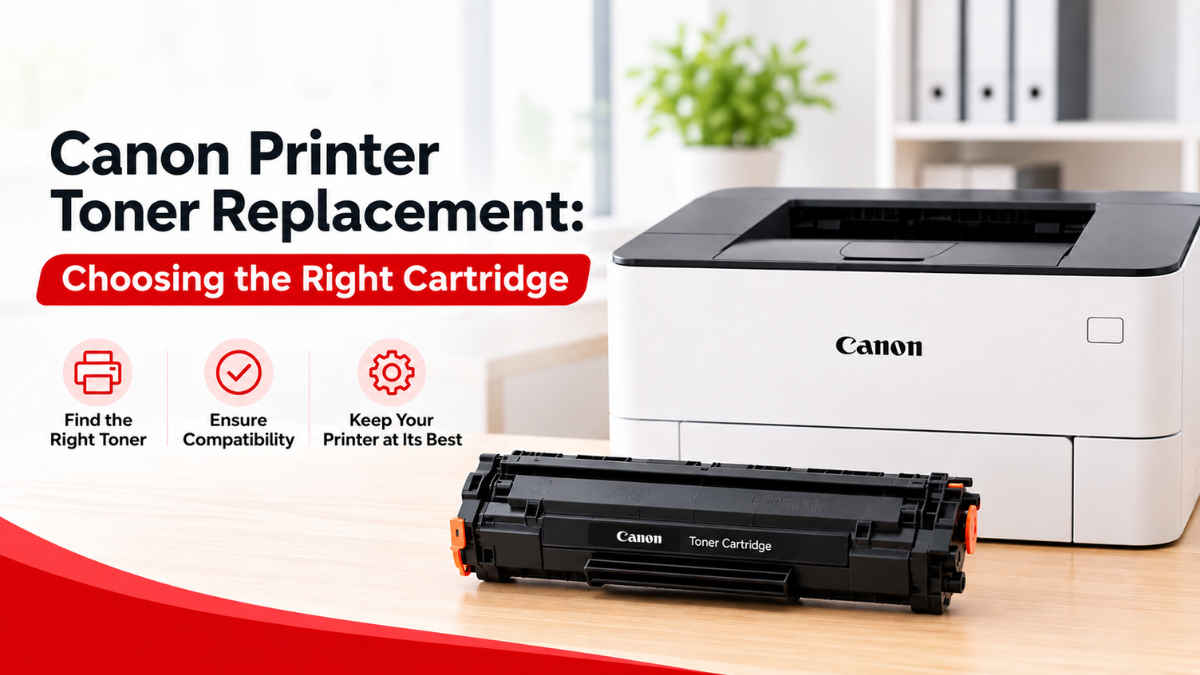
When your Canon laser printer runs low on toner, finding the right Canon printer toner replacement can seem confusing. With different cartridge numbers, page yields, and OEM and compatible options available, how do you know which one is right for your printer?
Understanding your Canon printer toner cartridges is a good place to start. A toner cartridge contains the powder used by a laser printer to create text and images on paper. When the cartridge is empty or print quality starts to decline, replacing it with the correct cartridge can help keep your printer working properly.
Whether you’re buying your first replacement or looking for a more affordable Canon replacement toner, this guide will help you understand your options and choose a cartridge that fits your printer and printing needs.
What Is a Canon Printer Toner Replacement?
A Canon printer toner replacement refers to a non-OEM toner cartridge made by a third-party manufacturer for use in compatible Canon laser printers. Unlike OEM toner, which is manufactured by Canon, replacement toner is designed to provide an alternative option for users who want to replace their empty cartridge while potentially reducing printing costs.
A replacement toner cartridge is made to work with specific Canon printer models and cartridge numbers. Because toner cartridges are not universal, choosing the right one is important for proper fit, compatibility, and print quality.
When looking for a Canon replacement toner, check your printer’s exact model and the cartridge number it uses. This helps ensure that the compatible cartridge you choose is designed to work with your Canon printer.
When Should You Replace Canon Toner?
Your printer may display a low-toner or replacement message when the cartridge is running low. You may also notice changes in print quality, such as:
- Faded or light text
- Uneven printing
- White streaks or areas
- Repeated marks on printed pages
- Documents becoming difficult to read
- A toner replacement warning
However, faded printing doesn’t always mean the toner is the only problem. For example, other printer settings or components can affect print quality. If your pages show alignment issues or unusual marks, you may need to investigate other causes of problems such as a Canon printer misaligned print result.
How to Choose the Right Canon Replacement Toner
Choosing a Canon toner replacement doesn’t have to be difficult. Start with these five checks before placing your order.
1. Check Your Canon Printer Model
Find the exact model number of your Canon laser printer. It may be printed on the front, top, or side of the printer.
Don’t rely on the printer brand alone. Two Canon printers can use completely different toner cartridges.
2. Find the Correct Cartridge Number
Once you’ve identified your printer model, look for the recommended toner cartridge number.
You can usually find this information in your printer manual, on the existing cartridge, or in the printer manufacturer’s documentation.
Matching the cartridge number is one of the easiest ways to avoid purchasing the wrong Canon replacement toner.
3. Check the Toner Color
Monochrome Canon laser printers generally use black toner, while color laser printers typically use four separate toner colors:
- Black
- Cyan
- Magenta
- Yellow
Make sure you choose the correct color and cartridge number for your printer.
4. Compare Standard and High-Yield Cartridges
Some Canon printers offer both standard-yield and high-yield toner cartridges.
A standard cartridge may be suitable for occasional printing. If you regularly print large amounts of documents, a high-yield cartridge may provide better value because it can print more pages before needing replacement.
5. Check Compatibility
If you’re considering a compatible cartridge, make sure it is specifically designed for your Canon printer model.
A cartridge that fits physically isn’t necessarily compatible with every printer. Checking the model and cartridge number before purchasing can help prevent installation and recognition problems.
OEM vs. Compatible Canon Replacement Toner
One of the biggest decisions when choosing a replacement is whether to buy an OEM Canon cartridge or a compatible alternative.
What Is OEM Canon Toner?
OEM stands for Original Equipment Manufacturer. An OEM toner cartridge is manufactured by Canon for use with compatible Canon printers.
Some users prefer OEM cartridges because they want to continue using supplies made by the printer manufacturer.
What Is Compatible Canon Toner?
Compatible toner is produced by a third-party manufacturer rather than Canon. These cartridges are designed to work with specific printer models and cartridge numbers.
For users looking to reduce printing costs, a quality Canon printer toner replacement can be an alternative to an OEM cartridge.
However, not all compatible cartridges are the same. When comparing options, consider the cartridge’s compatibility, page yield, product quality, and the reputation of the supplier.
Which Option Is Right for You?
The best choice depends on your printing needs and budget.
OEM toner may be suitable if you:
- Prefer original Canon supplies
- Want to stay with the printer manufacturer’s products
- Have specific printing requirements
Compatible toner may be suitable if you:
- Want to reduce printing costs
- Print frequently
- Are looking for a more affordable replacement
- Are comfortable using third-party cartridges
The important thing is to choose a cartridge that is designed for your specific printer.
How Much Does a Canon Toner Replacement Cost?
The price of a Canon toner replacement can vary depending on the cartridge model, toner yield, color, and whether you choose an OEM or compatible option.
While the lowest-priced cartridge may seem like the best deal, it’s worth looking at more than the upfront cost.
Consider:
- Cartridge price
- Estimated page yield
- Cost per page
- Standard vs. high-yield capacity
- OEM vs. compatible options
For example, a slightly more expensive high-yield cartridge may print significantly more pages than a standard cartridge. If you print frequently, that could make it a more economical choice over time.
How Long Does the Replacement Toner Last?
The lifespan of a toner cartridge depends primarily on its page yield and how much you print.
Page yield refers to the estimated number of pages a cartridge can produce under specific testing conditions. Your actual results can vary depending on what you’re printing.
Text-heavy documents generally use less toner than pages filled with large images, graphics, or blocks of color.
If you print only occasionally, a standard-yield cartridge may last for quite some time. Businesses and offices with higher printing volumes may benefit from high-yield options.
Canon Copier Toner Replacement: Is It the Same?
If you use a Canon multifunction copier or office machine, you may also need a Canon copier toner replacement.
Although the basic purpose of copier toner is similar to printer toner, cartridges are designed for specific machines. A toner cartridge for one Canon copier may not work with another model, even if the machines look similar.
Before purchasing a copier toner replacement, check:
- Your exact Canon copier model
- The recommended cartridge number
- Toner color
- Standard or high-yield options
- OEM or compatible availability
For businesses, checking these details can help avoid ordering the wrong cartridges and experiencing unnecessary downtime.
How to Replace a Canon Toner Cartridge
Once you’ve chosen the right Canon printer toner replacement, installing it is usually straightforward. However, the exact steps can vary by printer model.
A typical replacement involves:
- Open the printer’s toner compartment.
- Remove the old toner cartridge carefully.
- Prepare the new cartridge according to its instructions.
- Remove any protective packaging or sealing materials.
- Insert the new cartridge into the correct position.
- Close the printer securely.
- Allow the printer to recognize the new cartridge.
- Print a test page.
Always follow the instructions for your specific Canon printer. If the printer doesn’t recognize the replacement, remove and reinstall the cartridge and confirm that you purchased the correct cartridge number.
What If Your Canon Printer Still Has Print Quality Problems?
Replacing the toner doesn’t always solve every printing issue.
For example, you may notice laser printer black streaks even after installing a new cartridge. Print quality problems can sometimes be related to other printer components, settings, or maintenance needs.
Before purchasing another cartridge, check whether:
- The toner cartridge is installed correctly
- The correct cartridge number was used
- The printer settings are appropriate
- The paper is suitable for the printer
- The printer needs cleaning or maintenance
You should also be cautious about changing printer settings or performing updates without checking your model’s instructions. A Canon printer Firmware update, for example, may change printer functionality or settings, so it’s best to follow Canon’s recommendations for your specific model.
If you’re still experiencing problems after replacing the toner, troubleshooting the specific symptom can h
Tips for Saving Money on A Replacement Toner
Replacing toner doesn’t have to become a major printing expense. A few simple steps can help you get better value from each cartridge.
Compare Page Yield
Don’t look at the cartridge price alone. Compare how many pages each option is expected to print.
Consider Compatible Toner
A high-quality compatible cartridge can offer a more affordable alternative to an OEM cartridge, particularly for users who print frequently.
Choose High-Yield When It Makes Sense
If you regularly print large volumes, a high-yield cartridge may reduce how often you need to purchase replacements.
Use the Right Print Settings
For everyday documents, you may not need the highest available print quality. Using appropriate settings can help manage toner consumption.
Buy the Correct Cartridge the First Time
Double-checking your printer model and cartridge number before ordering can help prevent the cost and inconvenience of returning an incompatible cartridge.
Conclusion
Choosing a Canon printer toner replacement is easier when you know what to look for. Start by checking your exact printer model and cartridge number, then compare toner color, page yield, and standard or high-yield options.
You can also choose between OEM and compatible cartridges based on your preferences, printing needs, and budget. For many users, a quality Canon replacement toner can provide a more affordable way to keep their printer running without compromising the importance of proper compatibility.
Whether you need a replacement for a home printer, office laser printer, or copier, taking the time to compare your options can help you find the right Canon toner replacement and get better value from every cartridge.
Frequently Asked Questions
1. Can I use compatible toner as a Canon printer toner replacement?
Yes. Compatible cartridges are designed by third-party manufacturers for specific Canon printer models. A quality Canon replacement toner can be a more affordable alternative to an OEM cartridge, provided it matches your printer model and cartridge number.
2. How do I know which Canon toner replacement I need?
Start by checking your exact Canon printer model and the toner cartridge number recommended for it. You should also check the toner color and whether your printer supports standard or high-yield cartridges.
3. Is Canon replacement toner the same as OEM toner?
Not necessarily. OEM toner is manufactured by Canon, while compatible Canon replacement toner is produced by a third-party manufacturer and designed for specific Canon printer models.
4. Can I use a Canon copier toner replacement in my printer?
Not necessarily. Copier and printer cartridges are designed for specific devices. Always check the exact model and cartridge number before using a copier toner replacement.
5. How often should I replace my Canon toner?
It depends on the cartridge’s page yield and how much you print. Faded text, streaks, uneven printing, or a low-toner warning may indicate that it’s time to replace the cartridge.
Related Articles
Canon Printer Toner Cartridges: What You Need to Know
Canon Printer Misaligned? Quick Fixes for Sharp, Perfect Prints
Laser Printer Black Streaks Explained: The Real Fixes That Work
Canon Printer Firmware Update: Fix Errors & Improve Performance