
Cleaning Printer Rollers Made Easy: Stop Paper Feed Problems
| Apr 15, 2026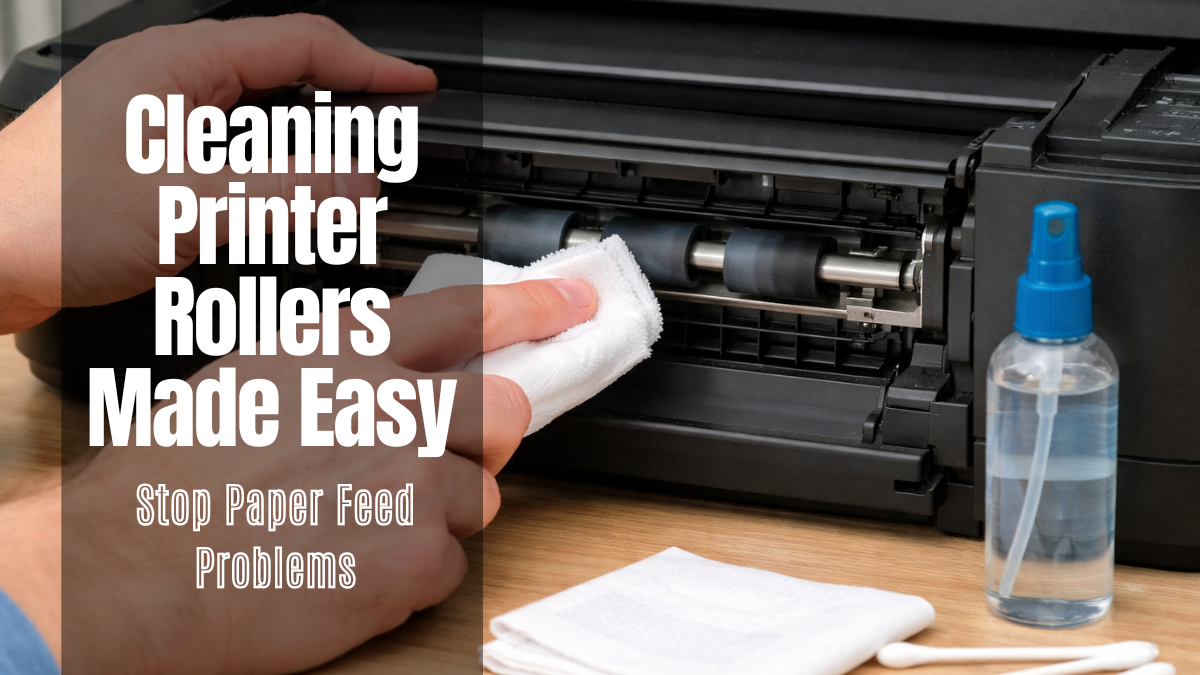
A printer that suddenly stops working properly can slow down your entire day in seconds. One of the most common reasons behind this issue is dirty printer rollers, which often go unnoticed until a paper jam occurs.
These rollers are responsible for pulling paper into the printer, but dust and paper residue can reduce their grip over time. This is why regularly cleaning printer rollers is essential for smooth and reliable printing.
In fact, most everyday printing issues in homes and offices are linked to poor roller maintenance rather than major hardware faults. Simple care can prevent repeated dirty printer roller problems and keep your printer working like new.
In this article, you will learn:
- What cleaning printer rollers means and why it is important
- How dirty printer rollers cause common printing problems
- Step-by-step methods to clean printer rollers at home or the office
- The best way to clean printer rollers safely and effectively
- Simple tips to prevent dirt on printer rollers in the future
What Is a Printer Roller and What Does It Do?
Printer rollers are rubber parts that move paper inside the printer. Pick-up rollers take paper from the tray, and feed rollers move it forward during printing. When these rollers collect dust, they become dirty, which leads to feeding problems. Regular cleaning of printer rollers keeps them working properly and prevents common errors. Simple paper feed roller cleaning removes dust and restores grip.
How printer rollers work in the paper feeding process
Printer rollers pick up paper, move it through the printer, and release it after printing. This process depends on proper grip. Dirty printer rollers cause slipping, leading to printer wrinkling paper and uneven feeding. Regular cleaning of printer rollers restores grip and improves performance. Using the best way to clean printer rollers ensures stable feeding and reduces errors.
How Dirty Printer Rollers Cause Printing Problems
A paper jam often occurs due to dirty rollers. Dust and paper fibers reduce grip and affect paper movement. Most feeding issues result from poor maintenance. Regularly cleaning the printer rollers restores grip and prevents errors. Without it, dirty rollers cause jams, misfeeds, and print defects.
Why printer rollers get dirty (dusty paper, debris, ink residue)
Printer rollers get dirty from everyday use. Dust and paper fibers adhere to the rubber surface, forming dirty rollers.
Main causes:
- Paper dust and fibers
- Ink or toner residue
- Low-quality paper
- Incorrect GSM in the paper
Common issues caused by dirty printer rollers
Dirty rollers directly affect printing. Cleaning printer paper feed rollers prevents these problems:
- Paper not feeding properly: Rollers lose grip and fail to pull paper. This signals the need for clean printer rollers.
- Paper jams and misfeeds: Slipping rollers cause misalignment and jams due to dirty rollers.
- Smudge marks on printed pages: Dust transfer causes marks and uneven output. It can also lead to wrinkling paper.
Signs your printer rollers need cleaning
Dirty printer rollers show clear signs. Start cleaning the printer rollers if you notice:
- Paper not picking up properly
- Multiple sheets feeding
- Frequent paper jams
- Uneven or misaligned prints
- Issues with different paper types
Tools & Materials Needed for Cleaning Printer Rollers
A paper jam is often caused by dirty rollers. Regular cleaning of the printer rollers removes dust and restores grip. Without it, debris accumulates and causes recurring issues. Proper tools ensure safe cleaning of printer rollers and effective cleaning of printer paper feed rollers.
1. Soft cloth or cotton swabs
Soft cloth or cotton swabs are used for cleaning printer rollers. They remove dust from dirty rollers without scratching the surface. These tools are required for simple paper feed roller cleaning.
2. Lukewarm or distilled water (safe cleaning solution)
Lukewarm or distilled water is used for cleaning the printer rollers. It loosens dust on dirty printer rollers and restores grip. Avoid chemicals. Water-based cleaning solutions are the best way to clean printer rollers safely.
3. Optional: rubber roller restorer (for grip improvement)
Rubber roller restorer improves grip after cleaning the printer rollers. It helps fix worn, dirty rollers and improves feeding. It is optional but useful for weak roller performance.
4. Paper sheets for testing after cleaning
Plain paper is used after cleaning the printer rollers to test feeding. It confirms the removal of dirty rollers and checks performance. Paper testing also verifies issues related to GSM in paper and ensures proper paper feed roller cleaning results.
Best Way to Clean Printer Rollers (Manual Method – Step-by-Step)
A paper jam is often caused by dirty rollers that lose grip due to dust. Cleaning printer rollers can restore performance without repairs. Manual cleaning of printer rollers removes buildup and prevents feeding issues. It also improves print quality. Using a soft cloth and water is a safe method and supports cleaning the printer’s paper feed rollers.
Step 1: Turn off and unplug the printer
Switch off the printer and unplug the power cable. This prevents damage and ensures safe cleaning of printer rollers. Working on powered devices increases risk, especially when dealing with dirty rollers inside the paper path.
Step 2: Remove the paper tray and all paper
Take out the paper tray and remove all sheets. This gives access to properly clean printer rollers. It also prevents dust from spreading during the cleaning of dirty printer rollers.
Step 3: Locate dirty rollers and separator pad
Find the paper pick-up rollers inside the printer and the separator pad in the tray area. These parts often collect dust and become dirty rollers. Identifying them correctly is important for effective cleaning of printer rollers and smooth paper feed roller cleaning.
Step 4: Clean printer rollers using a damp cloth
Use a soft cloth slightly dampened with water. Wipe the rollers gently to remove dust and residue. This step is the core of cleaning printer rollers. Avoid chemicals as they damage rubber surfaces. Proper cleaning of printer rollers removes dirty printer roller buildup and prevents issues like wrinkling paper. This is also considered the best way to clean printer rollers.
Step 5: Wipe the separator pad to remove dust buildup
Clean the separator pad with a damp cloth. Dust here contributes to dirty roller problems. Including this step in cleaning the printer rollers ensures smoother paper pickup and supports complete paper feed roller cleaning.
Step 6: Allow rollers to dry completely
Let all cleaned parts dry before reassembly. Moisture can affect the cleaning of printer rollers and cause slipping. Dry rollers ensure proper grip and reduce issues linked to dirty rollers.
Step 7: Reinstall the tray and reconnect the printer
Place the tray back and reconnect cables. This completes the cleaning of the printer rollers process setup. Proper assembly ensures that dirty printer rollers do not cause new feeding errors.
Step 8: Test print to check paper feeding
Run a test print using plain paper. This confirms successful cleaning of printer rollers and checks if dirty rollers have been fully cleaned. Testing also helps identify issues related to paper type and GSM in paper. It ensures smooth operation and verifies proper cleaning of the printer paper feed rollers.
How to Prevent Dirty Rollers in the Future
A paper jam is often caused by dirty printer rollers, not hardware failure. Dust and paper fibers build up over time and reduce roller grip. Regular cleaning of printer rollers prevents most feeding issues before they start. Without routine care, dirty rollers return and cause repeated errors. Simple habits reduce the need for frequent cleaning of printer rollers and keep the paper feeding stable.
1. Regular cleaning schedule for printer rollers
Set a schedule for cleaning printer rollers. Home printers need occasional cleaning, while office printers need frequent maintenance. Regular cleaning of printer rollers prevents dust buildup and reduces issues with the printer rollers. It also supports basic paper roller cleaning.
2. Using the right type of paper
Low-quality paper increases dust and causes dirty printer rollers. Use good-quality paper to reduce buildup. Consider the GSM of the paper according to the printer’s capacity to reduce feeding issues and the need for frequent cleaning of printer rollers.
3. Proper paper storage tips
Store paper in a dry, clean place. Dust and moisture lead to dirty rollers. Proper storage supports cleaning the printer rollers and improves cleaning of the printer paper feed rollers.
4. Avoiding overloading the paper tray
Overloading increases strain and leads to dirty rollers. Load recommended sheets only. This supports cleaning printer rollers, prevents wrinkling, and improves feeding.
Conclusion
A paper jam is often a clear sign that dirty rollers need attention. Most printing issues come from simple dust buildup that affects roller grip over time. Regular cleaning of printer rollers helps restore smooth paper feeding and prevents common errors.
It also reduces problems caused by dirty printer rollers, such as misfeeds and poor print quality. A quick routine of cleaning printer rollers can significantly improve printer performance.
Simple maintenance also supports longer printer life and fewer breakdowns. Using the right method ensures effective cleaning of printer rollers without damaging parts. It is always better to follow the best way to clean printer rollers than wait for issues to grow.
If your printer is showing signs of dirty rollers, follow this guide today and keep your printing smooth and hassle-free.
Frequently Asked Questions
1. Do printer rollers really need regular cleaning?
Printer rollers collect dust and paper fibers over time, which leads to dirty rollers and feeding issues. Regular cleaning of printer rollers helps maintain smooth paper flow and prevents jams.
2. Can I use any liquid or cleaner for cleaning printer rollers?
Strong chemicals and alcohol-based cleaners can damage the rubber surface. Safe cleaning of printer rollers is done using lukewarm or distilled water to remove dust without harming the rollers.
3. Should I wait until my printer stops working before cleaning the rollers?
Waiting for a paper jam or print failure often leads to bigger issues. Preventive cleaning of printer rollers keeps dirty rollers from building up and ensures consistent printing performance.
Related Articles
How To Fix A Paper Jam In A Printer: Reasons And Solutions 2024
Printer Wrinkling Paper: Top Causes, Fixes, and Prevention Tips
How GSM in Paper Affects Your Printing: Tips for Best Result