
How to Fix a Clogged Printhead: Step-by-Step Guide
| Mar 27, 2026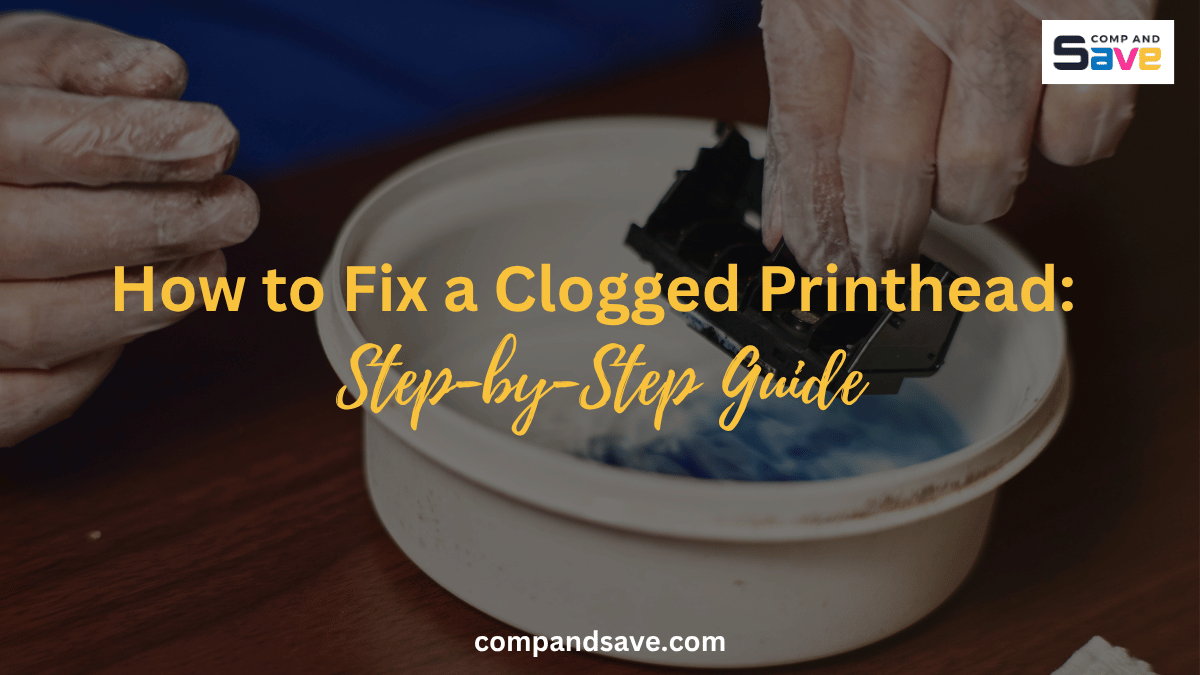
You hit print, and instead of a clean page, you get streaks, faded text, or missing colors. It is frustrating, especially when you need documents quickly.
In most cases, the issue isn’t your file or settings, but it’s a blocked printer nozzle. The good news? You don’t need to replace your printer or spend money on repairs just yet.
This guide will show you how to fix a clogged printhead using simple, proven steps you can do at home. Whether you’re dealing with a minor clog or a more stubborn issue, you’ll learn exactly what to do and how to prevent it from happening again.
What Causes a Clogged Printhead?
A clogged printhead happens when ink dries up and blocks the tiny nozzles that spray ink onto paper. This usually builds up over time rather than happening all at once.
If you understand what causes it, you can fix it faster and prevent it from happening again.
Here are the most common causes:
- Infrequent printer use, which allows the ink to dry out
- Low-quality or old ink that leaves residue
- Air bubbles in the ink system
- A clogged ink cartridge that restricts ink flow
When these issues accumulate, ink cannot flow properly, leading to poor print quality.
How Do You Know If Your Printhead Is Clogged?
Before you try to fix anything, it helps to confirm the issue. This saves you time and avoids unnecessary steps.
Here are the signs you should look for:
- Faded or washed-out prints
- Missing lines or gaps in text or images
- Incorrect or missing colors
- White streaks across the page
Most printers also have a nozzle check feature. If the pattern shows broken lines, you are likely dealing with a clogged ink nozzle.
How to Fix a Clogged Printhead Using Built-In Cleaning?
The easiest place to start is your printer’s built-in cleaning function. It is designed to clear minor clogs without taking anything apart.
This method works best if the clog is still fresh or not too severe.
Step-by-Step:
Step 1: Open your printer settings on your computer
Step 2: Go to Maintenance or Tools
Step 3: Select Printhead Cleaning or Nozzle Cleaning
Step 4: Run the cleaning cycle
Step 5: Print a test page
If the print improves but is not yet perfect, you can run the cleaning cycle one or two more times. Just make sure to give your printer a short break between cycles to avoid unnecessary ink use.
What If Cleaning Cycles Don’t Work?
Sometimes built-in cleaning is not enough, especially if the ink has fully dried. This is where many people get stuck and assume the printer is broken.
Before you replace anything, there is still another step you can try. A deeper-cleaning method often resolves more stubborn clogs.
How to Fix a Clogged Printhead Manually?
Manual cleaning helps break down dried ink that software cleaning cannot remove. It takes a bit more effort, but it can restore your printer without extra cost.
What You’ll Need:
- Warm distilled water or isopropyl alcohol
- Lint-free cloth or paper towel
- A shallow container
Steps:
Step 1: Turn off and unplug your printer
Step 2: Remove the ink cartridges carefully
Step 3: Locate the printhead if accessible
Step 4: Gently dab it with a damp cloth
Step 5: Soak it in warm distilled water for 10 to 15 minutes if removable
Step 6: Let it dry completely before reinstalling
Step 7: Run a test print
This process helps dissolve dried ink and clear the blocked printer nozzle, allowing ink to flow normally again.
Can You Fix a Clogged Printhead Without Removing It?
If your printer does not allow easy access to the printhead, you still have options. You can try cleaning methods that do not require disassembly.
This approach is safer and works well for moderate clogs.
Try this:
- Run cleaning cycles with short breaks in between
- Print solid color pages to push ink through
- Use a compatible printhead cleaning solution
These steps can gradually loosen buildup and improve print quality without opening the printer.
When Should You Replace Instead of Fixing?
There are cases where cleaning will not solve the issue, especially if the clog has caused long-term damage. Knowing when to stop can save you time, effort, and unnecessary frustration.
You should consider replacing the printhead or printer if:
- There is no improvement after multiple cleaning attempts
- The printhead is damaged or worn out
- The printer keeps clogging repeatedly
If repair costs are starting to add up, replacing the printer may be the more practical and cost-effective option. However, in many cases, the issue may also be related to old or low-quality ink.
This is where using reliable supplies makes a difference. CompAndSave offers affordable ink cartridges that are designed to deliver consistent ink flow and help reduce the risk of future clogs. Switching to higher-quality cartridges can improve print quality and extend your printer’s lifespan, especially if you have been dealing with recurring printhead issues.
How Can You Prevent a Clogged Printhead?
Now that you know how to fix a clogged printhead, the next step is making sure it does not come back. Prevention is simple, but it makes a big difference.
Here are habits that help:
- Print at least once a week to keep ink flowing
- Use high-quality ink to avoid residue buildup
- Turn off your printer properly so it seals the printhead
- Keep your printer in a stable environment
By doing this, you reduce the chances of dealing with another clogged printhead in the future.
Does Printer Type Affect Printhead Clogs?
Not all printers work the same way, so understanding your printer type can help you figure out why clogs keep happening. This also helps you choose the right fix and prevent the issue long term.
Inkjet printers are more prone to clogs because they use liquid ink that flows through tiny nozzles. When the printer sits unused, the ink can dry inside the printhead, blocking the flow. This is why you often see issues such as streaks, faded prints, or a blocked printer nozzle in inkjet models.
Laser printers, on the other hand, use toner powder instead of liquid ink. Since there is no liquid involved, there is nothing to dry out or clog inside a printhead. That means you will not run into the same clogging issues with laser printers.
If you often find yourself dealing with a clogged printhead, your printer type could be a major factor. In that case, regular maintenance becomes even more important, especially if you are using an inkjet printer.
Is It Safe to Clean a Printhead Yourself?
You can safely clean a printhead on your own if you follow the right steps. It does not require advanced skills, just a bit of care and patience.
Make sure you use gentle cleaning methods and avoid forcing any parts. Also, always let components dry completely before turning the printer back on.
If you are careful, manual cleaning is both safe and effective.
Final Words
Dealing with a clogged printhead can be stressful, especially when you rely on your printer. The good news is that most issues are fixable with the right steps.
Now that you know how to fix a clogged printhead, you can restore print quality and clear a blocked printer nozzle without guesswork. Start with simple cleaning methods, then move to deeper cleaning if needed.
Once your printer is working again, a few simple habits can help you avoid the same problem in the future.
Frequently Asked Questions
How long does it take to fix a clogged printhead?
It usually takes 10 to 30 minutes, depending on the severity of the clog. Built-in cleaning is quicker, whereas manual printhead cleaning takes longer because it requires drying. If the clog is severe, you may need multiple attempts over a few hours.
Can a clogged printhead fix itself?
In most cases, it will not fix itself without some action. However, running print jobs or cleaning cycles can sometimes improve minor clogs. It is still best to address the issue early before it gets worse.
What is the fastest way to fix a blocked printer nozzle?
The fastest method is to use your printer’s built-in cleaning function. It is designed to clear light clogs in just a few minutes. For tougher cases, manual cleaning is more effective even if it takes longer.
Does using the printer regularly prevent clogs?
Yes, regular use helps keep ink flowing through the printhead. When a printer sits unused, ink can dry and cause blockages. Printing at least once a week can significantly reduce clogging issues.
Can a clogged ink cartridge cause printhead problems?
Yes, a clogged ink cartridge can restrict ink flow and lead to printhead issues. If ink cannot move properly, it can contribute to nozzle blockages. Replacing or cleaning the cartridge may help resolve the problem.
Related Articles:
How to Fix Epson EcoTank Clogged Nozzle: Complete DIY Solution
How to Clean Printhead: Automatic and Manual
What Is a Printhead? Troubleshooting Clogs and More!
How to Use Printhead Cleaning Kit for Epson EcoTank Printer?