
Lexmark Chip Resetter: What It Is, How It Works & How to Use It
| Jun 19, 2026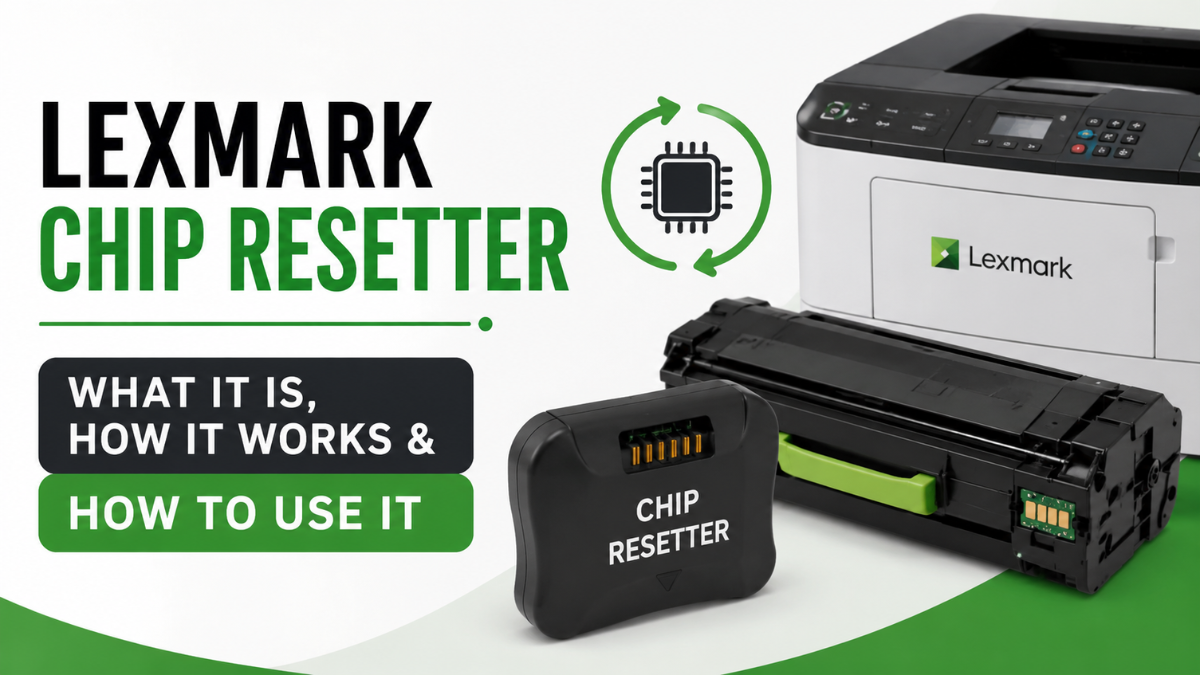
Seeing cartridge-related errors on your Lexmark printer can be frustrating, especially when your cartridge still contains usable toner. Messages such as Lexmark unsupported cartridge, low toner warnings, or cartridge recognition errors can interrupt your workflow and leave you searching for solutions.
One option often discussed by users is a Lexmark chip resetter. These tools are designed to help reset or manage cartridge chip information, potentially allowing users to continue using compatible or refilled cartridges.
In this guide, we’ll explain what a chip resetter is, including Lexmark toner chip resetter software, how it works, when you may need one, and the different solutions available for resolving common cartridge issues.
What Is a Lexmark Chip Resetter?
A Lexmark chip resetter is a tool or software solution used to reset or modify information stored on a printer cartridge chip. The chip communicates with the printer and provides information such as toner levels, cartridge status, and compatibility.
When the chip reaches certain limits or reports an error, the printer may display warnings even if toner remains inside the cartridge. In some situations, a resetter can help restore communication between the cartridge and printer.
Users often look for a Lexmark cartridge chip resetter when they encounter cartridge recognition problems after refilling or replacing toner cartridges.
How Does a Lexmark Cartridge Chip Resetter Work?
Printer cartridges contain small electronic chips that track cartridge usage and communicate with the printer.
When a cartridge is installed, the printer reads the chip to verify compatibility and determine toner status. If the chip reports an issue, the printer may display messages such as:
- Cartridge not recognized
- Low toner warning
- Replace cartridge notification
- Unsupported cartridge error
A Lexmark chip resetter works by resetting or updating certain information associated with the cartridge chip. Depending on the cartridge model and reset method, this may help restore normal printer operation.
It’s important to note that not all Lexmark cartridges support chip resetting, and results can vary depending on the printer series and cartridge design.
Types of Lexmark Resetter Solutions
There are generally two categories of reset tools available.
Lexmark Toner Chip Resetter Software
Lexmark toner chip resetter software refers to programs that help manage or reset cartridge-related information through a computer interface.
Many users search for this software when trying to resolve toner recognition issues without replacing the cartridge. Depending on the printer model, software solutions may offer diagnostic features, firmware-related options, or cartridge management functions.
Before downloading any Lexmark toner chip resetter software, always verify compatibility with your specific printer model and obtain software from trusted sources.
Hardware Resetters
Hardware resetters are physical devices designed to interact directly with cartridge chips. These tools are typically used by technicians, refill businesses, or advanced users who regularly maintain printer cartridges.
A hardware-based Lexmark printer chip resetter may work by making contact with the cartridge chip and resetting stored information.
When Do You Need a Lexmark Chip Resetter?
You may consider using a Lexmark chip resetter if you experience any of the following situations:
Cartridge Not Recognized
The printer detects the cartridge but refuses to print because it cannot verify the chip information.
Unsupported Cartridge Errors
Many users encounter the Lexmark unsupported cartridge message after installing compatible or refilled cartridges.
Incorrect Toner Level Readings
Sometimes a cartridge still contains toner, but the printer displays a low or empty status.
After Refilling a Cartridge
Refilling toner does not automatically reset the cartridge chip. In some cases, a reset solution may be needed to restore proper communication.
How to Reset Lexmark Toner Chip
If you’re trying to reset Lexmark toner chip information, follow these general steps:
- Identify your Lexmark printer model and cartridge number.
- Determine whether your cartridge supports chip resetting.
- Select a compatible reset solution.
- Follow the manufacturer’s instructions carefully.
- Reinstall the cartridge and test the printer.
- Print a test page to verify successful operation.
Keep in mind that procedures vary depending on the cartridge type and reset method being used.
Common Lexmark Printer Toner Cartridge Problems and Fixes
Many users assume a cartridge is defective when the issue may simply involve chip communication.
Here are some common printer toner cartridge problem scenarios and possible solutions:
| Problem | Possible Solution |
|---|---|
| Cartridge not detected | Reinstall cartridge and clean contacts |
| Unsupported cartridge message | Verify cartridge compatibility |
| Low toner warning remains | Check if chip reset is supported |
| Printer refuses to print | Update printer firmware or replace cartridge |
| Error after refill | Inspect cartridge chip and contacts |
Lexmark Toner Chip Resetter Software: What to Know Before Using It
Before using Lexmark toner chip resetter software, there are several important considerations:
Check Compatibility
Not all Lexmark printer models support the same reset methods. Always verify software compatibility before installation.
Use Trusted Sources
Avoid downloading software from unknown websites. Unverified programs may contain security risks or fail to work properly.
Understand the Limitations
Even the best toner chip resetter software cannot guarantee compatibility with every printer or cartridge model.
Follow Instructions Carefully
Incorrect installation or configuration may lead to additional printer errors or communication issues.
Alternatives to Using a Lexmark Printer Chip Resetter
If a reset solution does not work, consider these alternatives:
- Install a new original cartridge
- Use a compatible cartridge with a pre-programmed chip
- Replace the cartridge chip if supported
- Contact the cartridge supplier for assistance
- Perform printer maintenance and firmware updates
For some models, replacing the cartridge may be the most practical and reliable option instead of using a Lexmark resetter.
Conclusion
A Lexmark chip resetter can be a useful solution for users experiencing cartridge recognition errors, toner warnings, or unsupported cartridge messages. Whether you’re exploring software-based tools or hardware devices, understanding how cartridge chips work can help you make informed decisions and avoid unnecessary replacements.
Before using any reset solution such as the Lexmark toner chip resetter software or the hardware resetters, verify compatibility with your printer model and follow trusted instructions carefully. In many situations, proper troubleshooting can resolve common cartridge issues and help extend the life of your printing supplies.
Frequently Asked Questions
1. What is a Lexmark chip resetter used for?
A Lexmark chip resetter is used to reset or manage cartridge chip information when a printer displays cartridge recognition, toner level, or compatibility errors.
2. Does Lexmark toner chip resetter software work on all printers?
No. Lexmark toner chip resetter software compatibility depends on the printer model, cartridge type, and chip design. Always verify compatibility before use.
3. Is a Lexmark cartridge chip resetter safe to use?
When used correctly and with compatible cartridges, a Lexmark cartridge chip resetter can be a useful troubleshooting tool. However, results may vary depending on the printer model.
4. What causes a Lexmark unsupported cartridge error?
The Lexmark unsupported cartridge message can appear when the printer cannot verify cartridge compatibility, detects a chip issue, or identifies a communication problem.
5. Do I need a Lexmark printer chip resetter after refilling toner?
Not always. Some cartridges continue working after a refill, while others may require a Lexmark printer chip resetter or a replacement chip to restore normal operation.
Related Articles
Lexmark Unsupported Cartridge Error Solved: Complete Guide
How to Reset Lexmark Toner Chip and Fix Replace Toner Errors