
Printers That Allow 3rd Party Ink: Buyer's Guide to Compatible Models
| Jul 05, 2026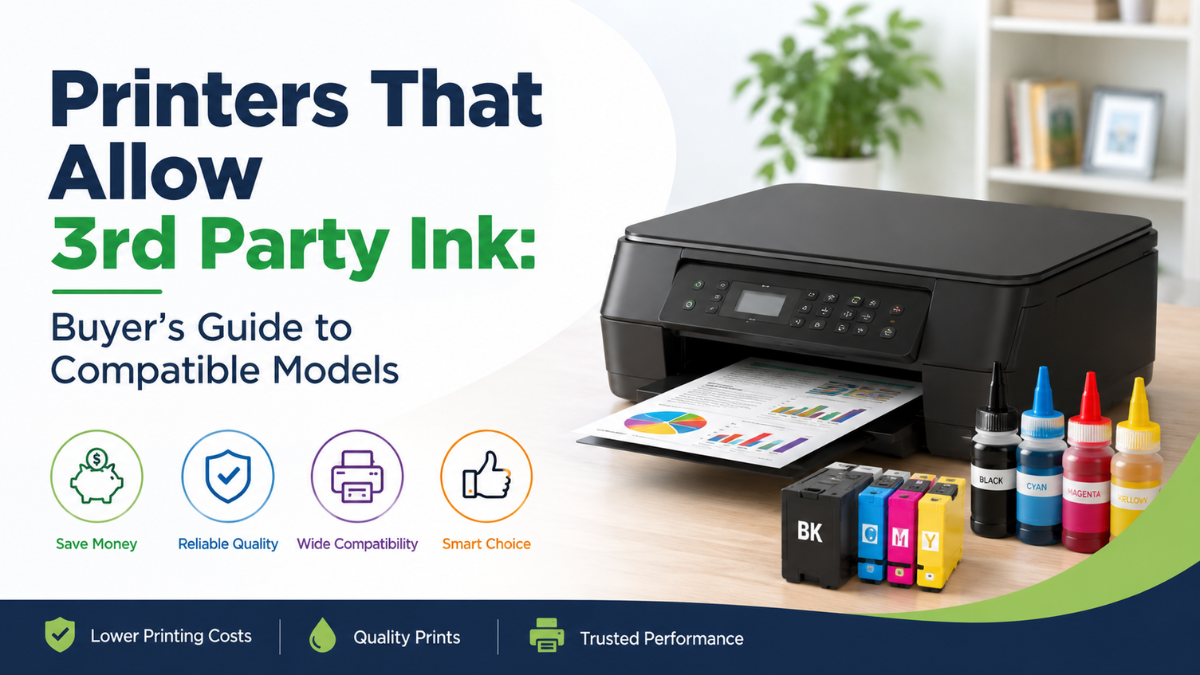
Printing costs can add up quickly, especially if you print frequently for work, school, or your business. That’s why many buyers look for printers that allow 3rd party ink as a more affordable alternative to original manufacturer supplies. If you’re researching printers that accept third party ink, you’ve come to the right place.
In this buyer’s guide, we’ll help you compare ink cartridge prices, understand what makes a printer compatible with third-party ink, and recommend printer models known for working well with reputable compatible cartridges or ink bottles. Whether you’re printing documents, school projects, or family photos, choosing the right printer can help you save money without sacrificing print quality.
Why Choose Printers That Allow 3rd Party Ink?
Original (OEM) ink cartridges are designed by the printer manufacturer, while third-party ink is produced by independent companies. Many users choose compatible ink because it offers significant savings, especially for high-volume printing.
Benefits of choosing printers that allow 3rd party ink include:
- Lower printing costs
- More affordable replacement cartridges and ink bottles
- Wide availability from reputable brands
- Suitable for home, school, and office use
- Comparable print quality when using high-quality compatible ink
While third-party ink can reduce your printing expenses, it’s still important to choose reliable suppliers and printers with a proven reputation for compatibility.
What to Look for in Printers That Accept Third Party Ink
Not every printer performs the same when used with compatible ink. Before buying, consider the following factors.
Compatible Ink Availability
Choose printer models with a large selection of compatible cartridges or refill bottles from trusted manufacturers.
Cost of Replacement Ink
Some printers are inexpensive to purchase but costly to maintain. Compare the long-term cost of replacement ink before making your decision.
Firmware Updates
Some printer manufacturers release firmware updates that may affect cartridge recognition. Research whether your preferred model continues to work well with compatible ink after updates.
Print Quality
Good printers that accept third party ink should consistently produce sharp text and vibrant colors when paired with quality compatible ink.
Best Printers That Allow Third Party Ink
If you’re looking for printers that allow third party ink, these printer families have earned a strong reputation among users who want lower printing costs.
Canon MegaTank Series
Canon MegaTank printers are an excellent choice for families, students, and small businesses.
Pros
- Extremely low cost per page
- High page yield
- Easy-to-refill ink bottles
- Excellent document and photo quality
Best for: Home users, students, and everyday printing.
Epson EcoTank Series
Epson EcoTank printers feature refillable ink tanks that make them one of the most economical choices for frequent printing.
Pros
- Very high ink capacity
- Low running costs
- Fast document printing
- Ideal for high-volume use
Best for: Small businesses and home offices.
Brother INKvestment Tank Series
Brother’s INKvestment printers balance affordability with reliable performance.
Pros
- Efficient ink usage
- Automatic duplex printing on many models
- Good print speeds
- Strong value for office users
Best for: Business documents and everyday office printing.
Select HP Smart Tank Models
While HP cartridge-based printers may have more compatibility limitations due to cartridge authentication, many HP Smart Tank printers work well with quality compatible refill inks.
Pros
- Refillable ink tanks
- Low printing costs
- Suitable for everyday printing
Best for: Users looking for refillable ink systems.
How We Selected These Printers
Our recommendations are based on several important factors:
- Overall printing costs
- Availability of compatible ink
- Ease of maintenance
- Print quality
- User feedback
- Reliability for long-term use
Rather than focusing only on purchase price, we selected models that provide good overall value over time.
OEM Ink vs. Third-Party Ink
Many buyers wonder whether using compatible ink is worth the savings.
Here’s a quick comparison.
| OEM Ink | Third-Party Ink |
|---|---|
| Higher purchase cost | Lower purchase cost |
| Manufactured by printer brand | Manufactured by independent companies |
| Guaranteed compatibility | Compatibility depends on printer model and supplier |
| Consistent quality | Quality varies by manufacturer |
For many users, reputable third-party ink provides an excellent balance between cost and print quality.
Things to Consider Before Buying
Before purchasing one of the printers that can use 3rd party ink, keep these tips in mind.
Buy Compatible Ink from Trusted Sellers
Quality matters. Low-quality ink may produce inconsistent colors or clog printheads.
Understand the Lifespan of Compatible Ink
The lifespan of aftermarket ink cartridges depends on storage conditions, usage, and manufacturing quality. Properly stored cartridges generally last much longer than those exposed to heat or direct sunlight.
Check Firmware Policies
Some manufacturers periodically release firmware updates that affect cartridge compatibility. Reading user reviews before updating your printer can help avoid unexpected issues.
Consider Your Printing Volume
If you print every day, refillable ink tank printers usually provide the lowest long-term printing costs.
Are Remanufactured Ink Cartridges Worth It?
A common question buyers ask is, are remanufactured ink cartridges good enough for everyday printing?
The answer depends on the supplier.
High-quality remanufactured cartridges are professionally cleaned, refilled, tested, and inspected before being sold. They often provide reliable performance at a lower price than OEM cartridges.
Choosing reputable brands and sellers greatly improves your chances of receiving dependable print quality.
Tips to Avoid Compatibility Issues
Even printers that can use 3rd party ink may occasionally experience compatibility issues.
You can reduce the chances of problems by:
- Purchasing ink from reputable suppliers
- Installing cartridges correctly
- Avoiding unnecessary firmware updates
- Performing regular printer maintenance
- Printing regularly to prevent ink from drying inside the printhead
These simple habits help keep printers that use third party ink operating reliably for years.
Conclusion
Choosing printers that allow 3rd party ink is one of the smartest ways to lower your long-term printing costs without compromising everyday performance. By comparing reputable models, understanding compatibility, and selecting quality supplies, you can confidently invest in printers that accept third party ink that meet your needs. Whether you’re looking for printers for home, school, or office use, this buyer’s guide provides the information you need to make an informed decision and enjoy reliable, cost-effective printing.
Frequently Asked Questions
1. Are printers that allow 3rd party ink safe to use?
Yes. Most printers that allow 3rd party ink work well when paired with high-quality compatible cartridges or refill inks from reputable manufacturers.
2. Which brands offer printers that accept third party ink?
Many Canon MegaTank, Epson EcoTank, Brother INKvestment Tank, and select HP Smart Tank models are popular printers that accept third party ink, although compatibility may vary by specific model.
3. Can using third-party ink damage my printer?
Quality third-party ink is generally safe when used correctly. Problems are more likely to occur with poor-quality cartridges or incompatible ink.
4. How can I reduce compatibility problems?
Choose printers with a strong reputation for compatible ink, purchase ink from trusted suppliers, and avoid unnecessary firmware updates whenever possible.
5. Is third-party ink worth the savings?
For many home users, students, and small businesses, third-party ink provides significant savings while maintaining excellent print quality when sourced from reputable manufacturers.
Related Articles
Compare Ink Cartridge Prices For Printers: OEM vs Compatible
Aftermarket Ink Cartridges: Lifespan, Efficiency & Tips
Are Remanufactured Ink Cartridges Good?
Why High-Yield Ink Cartridges Are Better for Frequent Printing