
Top Fabric Printers and Printing Machines for Small Businesses
| Mar 24, 2026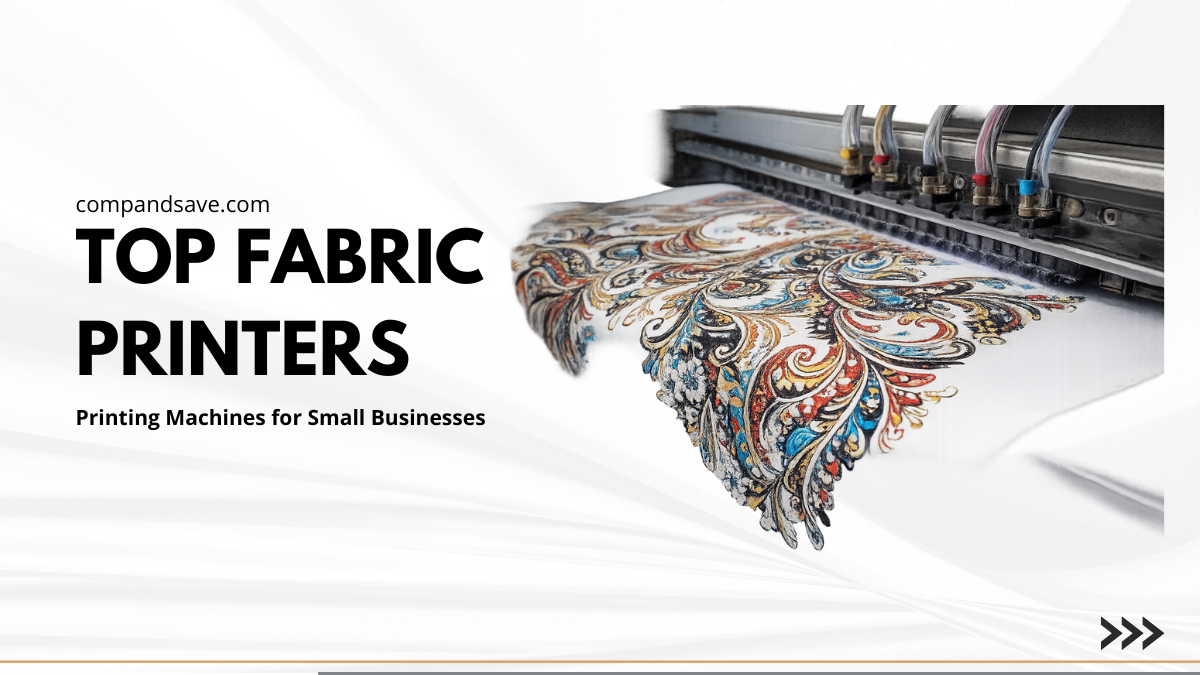
Looking to turn plain fabric into stunning designs? Fabric printers can transform your ideas into vibrant creations, whether you’re a small business owner, crafter, fashion designer, or DIY enthusiast. From custom t-shirts to decorative home items, printing directly on fabric is easier than ever with the right fabric machine.
Unlike regular printers, a direct to fabric printer is built to handle different types of fabrics and produce long-lasting, high-quality prints. You can create detailed patterns, photo printing, or even iron-on transfers with ease. Using a printer for fabric allows you to expand your product line, save time, and impress customers with professional results.
This article will guide you step by step on:
- Understanding what fabric printers are and how to print on fabric
- Exploring types of fabric printing machines and their applications
- Key features to look for when choosing the best printer for fabric
- Top brands, inks, and project-specific tips for beginners and pros alike
What are these Fabric Printers?
A fabric printer is designed to print designs directly onto fabrics. It allows small businesses, crafters, and DIY enthusiasts to create custom clothing, home décor, and craft projects. For fabrics, it provides precise, durable, and vibrant prints that withstand washing.
Difference Between Fabric Printers and Regular Printers
| Feature | Regular Paper Printer | Fabric Printing Machine |
|---|---|---|
| Ink Type | Designed for paper; may smear on fabric | Special inks that bond to fabric fibers |
| Print Surface | Paper only | Cotton, polyester, blends, and other textiles |
| Durability | Prints can fade or smear on fabric | Prints are vibrant, long-lasting, and washable |
| Versatility | Limited to paper-based projects | Supports direct-to-fabric printing, photo printing, iron-on transfers, and for graphics |
| Use Case | Documents, photos on paper | T-shirts, bags, quilts, home décor, crafts |
Types of Fabric Printing Technology
Different types of fabric machines use varied methods, each suited to specific fabrics and projects. Choosing the right printer for fabric ensures professional results, whether you are doing photo printing, iron-on transfers, or custom graphics.
1. Inkjet Fabric Printers
These Printers spray tiny droplets of ink onto fabric, creating detailed and vibrant prints. They are ideal for cotton, silk, or blends. A high-resolution machine is the best printer for graphics and intricate designs. Regular maintenance, such as cleaning print heads, ensures consistent output.
2. Dye-Sublimation Printers
Dye-sublimation printing machines convert solid dyes into a gas, which penetrates polyester or polymer-coated fabrics. This creates bright, permanent prints ideal for sportswear or promotional items. These printers are fast and suitable for long runs, but they only work on specific fabrics.
3. Direct-to-Garment (DTG) Printers
A direct to fabric printer prints directly onto garments like t-shirts or cotton blends. DTG machines produce high-detail images with a wide color range. Pre-treatment may be needed for dark fabrics to achieve vibrant colors. They are slower than sublimation printers but perfect for custom or small-batch projects.
How Do Fabric Printers Work?
This type of printer transfers designs directly onto fabric using specific methods depending on the type of printing machine. The basic steps are similar across most methods and ensure clean, durable prints.
Step 1: Fabric Preparation
Choose the right fabric (cotton, polyester, blends, silk). Pre-treat dark fabrics or fragile fibers with a stabilizer or pre-treatment sheet to improve ink adhesion. For home setups, ironing fabric onto freezer paper works well.
Step 2: Design Setup
Prepare your digital design using software. Adjust size, colors, and layout for the fabric type and project. This is key for photo printing, iron-on transfers, or graphics designs.
Step 3: Printer Setup
Load the fabric into the printing machine or directly into the printer. Check that edges are flat and aligned. Select the correct ink type (dye-based, pigment, or water-soluble) depending on the project.
Step 4: Printing Process
The printer applies ink onto the fabric using one of the following methods:
- Inkjet: sprays tiny droplets of ink.
- Dye-sublimation: converts dye into a gas to bond with fabric fibers.
- DTG: prints directly onto garments.
Step 5: Drying and Finishing
Let the ink dry or heat-set the design according to the printer and ink type. Some fabrics may need ironing or curing to make the print permanent and washable.
Step 6: Quality Check
Inspect the print for sharpness, color vibrancy, and alignment. Trim or prepare the fabric for the next step in your project.
Best Direct-to-Fabric Printing Machine Options
Choosing the right direct-to-fabric printing machine is essential for achieving vibrant, durable designs. From home setups to professional-grade printers, these options cater to crafters, small business owners, and fashion designers looking for precision, efficiency, and versatility in every project.
1. Epson SureColor F170 Dye-Sublimation Printer
Key Features
- PrecisionCore: Sharp, vibrant prints.
- Genuine Dye-Sub Ink: Reliable, long-lasting results.
- Auto-Feed Tray: Easy batch printing.
- High-Capacity Ink: Less frequent refills.
- Compact Design: Space-saving and efficient.
Best For: Personalizing awards, mugs, mousepads, and small merchandise.
2. Brother GTXpro Hybrid DTG/DTF Printer
Key Features
- Hybrid Printing: DTG and DTF support.
- High Resolution: 1200 dpi x 1200 dpi.
- Versatile Platens: Adult, youth, and baby sizes.
- Durable Ink: Water-based CMYK + White.
- Pre-Treatment Ready: Works with heat press or conveyor oven.
Best For: Businesses or crafters needing this printing machine for garments, t-shirts, and hoodies.
3. Epson SureColor F570 Pro Dye-Sublimation Printer
Key Features
- Sharp Printing: PrecisionCore MicroTFP printhead.
- Versatile Media: Rolls and sheets up to 24".
- Pro Software: Epson Edge Print Pro.
- Reliable Inks: T49M sublimation inks.
- Durable: Nozzle Verification Technology.
Best For: Small businesses and crafters using this printing machine for polyester fabrics and sublimation projects.
4. Sawgrass SG500 Dye-Sublimation Printer
Key Features
- Compact Size: A4/Legal desktop-friendly.
- High Resolution: Sharp, detailed prints.
- SubliJet UHD Inks: Vivid colors and deep blacks.
- Wireless & USB: Easy connectivity options.
- Versatile Media: Prints on polyester, cotton (with transfers), metal, wood, and ceramic.
Best For: Beginners, small businesses, and crafters working on direct to fabric printing machine projects and small sublimation items.
Key Features to Consider When Choosing a Fabric Printer
Choosing the right printer ensures sharp, vibrant prints and a smooth workflow. A reliable printing machine allows photo printing, iron-on transfers, and detailed graphics projects with consistent results.
- Print Quality and Resolution: High DPI is essential for sharp and intricate designs. This printer captures fine lines accurately and maintains color vibrancy across different fabrics. This ensures professional results for small projects or large-scale orders.
- Speed and Efficiency: Printing speed is crucial for small business productivity. Fast printing machines reduce downtime and allow more items to be produced in less time without compromising quality.
- Fabric Compatibility: The best printer for printing on fabric handles multiple materials, including cotton, polyester, silk, blends, and specialty fabrics. Some dye-sublimation printers work only on polyester, while versatile machines support a wider range of fabrics.
- Durability and Maintenance: A sturdy printer with easy cleaning and accessible replacement parts ensures consistent performance. Brands with strong technical support keep direct to fabric printers running smoothly over time.
Tips for Getting the Best Results
Achieving vibrant and durable prints with a fabric printer depends on proper maintenance, careful ink management, and selecting the right fabric for each project.
- Printer Maintenance and Calibration: Regular cleaning and calibration of the printing machine prevent clogs, streaks, and misalignment, ensuring consistent results.
- Ink Management for Longevity: Using the correct inks, storing them properly, and adjusting print settings according to the fabric type helps maintain sharpness and color durability.
Conclusion
A fabric printer is a specialized tool that transforms plain textiles into vibrant, professional-quality designs. Unlike regular printers, a fabric printing machine handles fabrics, inks, and techniques like direct-to-fabric printing, printing photos, and iron-on transfers with precision. Choosing the right printer for fabric ensures sharp prints, consistent colors, and durable results. Proper maintenance, pre-treatment, and selecting compatible fabrics improve performance and reduce errors. For beginners and small business owners, using a home fabric printing machine can simplify production and enhance creativity. Matching the printer to your project, fabric type, and workflow ensures professional results every time. From custom t-shirts to small DIY crafts, the best printer for printing on fabric can elevate your work.
Invest in the right machine today to boost quality and efficiency.
Frequently Asked Questions:
Can I use a regular printer to print on fabric?
Regular paper printers are not built to handle fabric fibers or specialized inks, which can result in smudged or uneven prints. A fabric printer ensures precise, durable designs with professional-quality colors and sharp details.
Are fabric printers only for large businesses?
Fabric printers are accessible for small businesses, crafters, and DIY enthusiasts. Compact home fabric printing machines and affordable printers for fabric allow users to produce professional-quality prints on t-shirts, bags, or crafts without investing in commercial-scale equipment.
Can I print on any type of fabric?
Not all fabrics are suitable for every printing method. Cotton and cotton blends are ideal for direct-to-garment printing, while polyester or polymer-coated fabrics work best for dye-sublimation. Choosing the right fabric ensures vibrant colors, sharp designs, and long-lasting results.
Does ink type really matter for fabric printing?
Ink selection plays a major role in print quality and durability. Using the correct inks for your printer for fabric, such as pigment or sublimation inks, guarantees vibrant, fade-resistant results that maintain clarity after washing or heavy use.
Related Articles
How to Print on Fabric with an Inkjet Printer: Creativity Made Easy
Top Printer for Graphics: A Complete Buying Guide for Designers