
What Is Automatic Document Feeder? Complete Guide to ADF
| Jun 18, 2026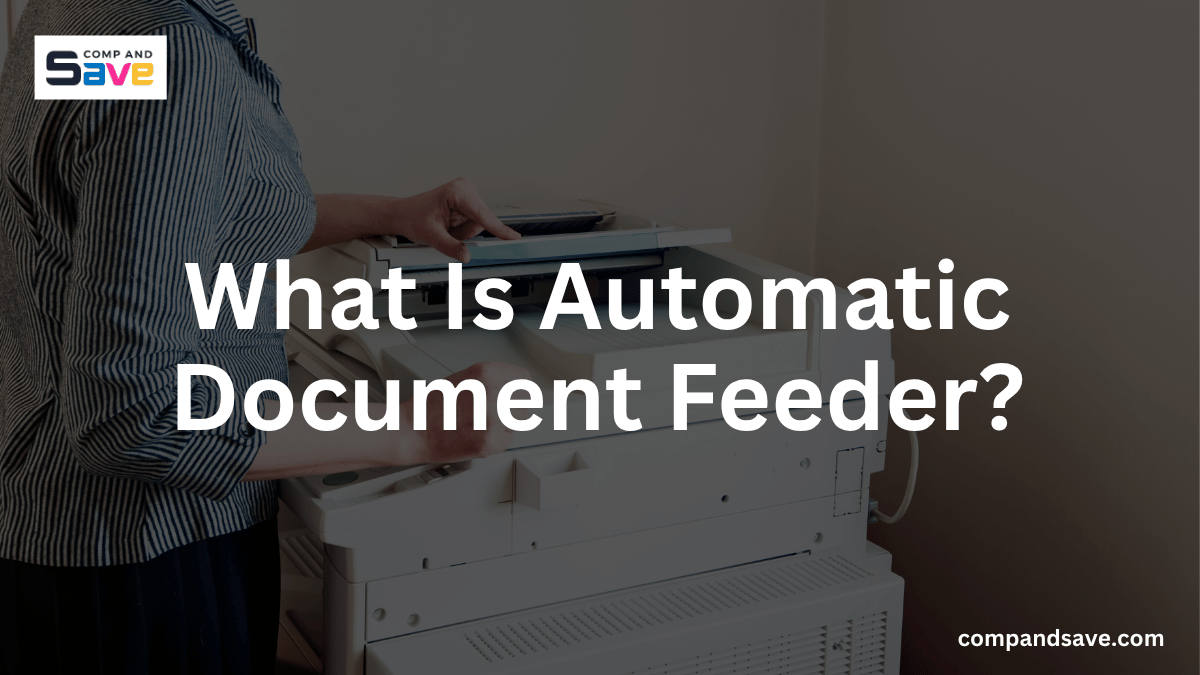
If you’ve ever had to scan or copy a large stack of papers, you already know how slow it gets when you have to place each page one by one on the scanner glass. It feels repetitive, time-consuming, and inefficient, especially when dealing with contracts, school documents, invoices, or multi-page reports.
This is where understanding what is automatic document feeder becomes useful.
An automatic document feeder is designed to simplify exactly this problem. Instead of manually scanning each page, you can load a stack of documents and let the printer handle the rest automatically.
In this guide, you’ll learn what is adf in a printer, how it works, why it matters, and whether an ADF printer is worth it for your needs.
What Is Automatic Document Feeder?
If you’re wondering what is a document feeder on a printer, it is a printer feature that automatically feeds multiple pages into a scanner, copier, or fax machine without requiring manual page placement.
Instead of opening the scanner lid repeatedly, you place a stack of paper into a dedicated tray. The machine then pulls each page through one at a time, scanning or copying them automatically.
This feature is commonly found in multifunction printers used for copying, printing, scanning, and faxing. It is especially helpful for anyone dealing with multi-page paperwork on a regular basis.
In simple terms, when people ask what is auto document feeder, they are referring to the same technology, just a different name.
How Does an Automatic Document Feeder Work?
Understanding how an ADF functions can help you use it more effectively. The process is surprisingly simple but highly efficient.
Step 1: Load Your Documents
Place your stack of papers into the ADF tray according to the printer’s instructions. Most printers include alignment guides to keep pages straight.
The documents should typically be loaded face-up or face-down depending on the printer model. Following the correct orientation ensures accurate scans and copies.
Step 2: Select Your Function
Choose whether you want to scan, copy, or fax the documents. Most printers allow you to adjust settings such as resolution, file format, and destination.
These settings can usually be configured through the printer’s touchscreen or software on your computer.
Step 3: The Printer Feeds Each Page
Once the job starts, rollers inside the feeder pull one page at a time through the scanning path.
The printer processes each page automatically without requiring further user intervention.
Step 4: Completion of the Job
After all pages have been scanned or copied, the printer compiles the results into a digital file or printed document.
This entire process can save considerable time compared to manual page-by-page scanning.
What Are the Benefits of Using an Automatic Document Feeder?
An ADF offers several advantages that can improve your overall printing and scanning experience.
Saves Time
One of the biggest benefits is speed. Instead of loading pages individually, you can process entire document stacks in a single operation. This can save several minutes per job, especially when dealing with lengthy reports or contracts.
Improves Productivity
Whether you work from home or in an office, productivity matters. An ADF allows you to focus on other tasks while the printer handles document processing automatically.
Reduces Manual Effort
Repeatedly lifting a scanner lid can become tedious, especially during large scanning projects. An automatic feeder eliminates much of this repetitive work.
Better for Large Projects
If you regularly scan tax documents, invoices, legal paperwork, or school records, an ADF can make the process much more manageable. The larger the document stack, the greater the time savings.
Supports Digital Organization
Many users are transitioning to paperless workflows. An ADF helps digitize large volumes of paperwork quickly, making document storage and retrieval easier.
Types of Automatic Document Feeders
Not all ADF systems work the same way. Understanding the different types can help you choose the right printer.
Simplex ADF
A simplex ADF scans only one side of a document at a time. If you need to scan double-sided pages, you’ll have to manually flip the documents and scan the reverse side separately. Simplex feeders are often found in budget-friendly printers.
Duplex ADF
A duplex ADF can scan both sides of a page automatically. This feature is especially useful for contracts, reports, and forms that contain information on both sides. Duplex scanning can significantly reduce processing time for double-sided documents.
Single-Pass Duplex ADF
This advanced version scans both sides simultaneously using multiple scanning sensors. Since both sides are captured in a single pass, scanning speeds are often much faster. Single-pass duplex ADF systems are commonly found in higher-end office printers.
Who Should Use an ADF Printer?
Not every user requires an ADF, but many can benefit from one.
Home Office Users
Remote workers often scan contracts, receipts, invoices, and signed forms. An ADF simplifies these routine tasks and saves valuable time.
Small Businesses
Small businesses frequently process paperwork. Whether you’re managing employee records, customer forms, or financial documents, an ADF can streamline operations.
Students
Students often scan assignments, research materials, and handwritten notes. An ADF helps convert physical documents into digital files quickly.
Teachers and Educators
Teachers regularly copy and scan educational materials. An ADF can simplify lesson preparation and administrative work.
Families
Families can use an ADF to digitize important records such as medical forms, insurance documents, and tax paperwork.
Common Automatic Document Feeder Problems
Now that you know what is automatic document feeder, it’s also helpful to know the issues that can sometimes happen when using it. Here are some of them:
Paper Jams
Paper jams are one of the most common ADF problems. Keeping documents aligned and avoiding damaged paper can reduce the risk.
Multiple Sheets Feeding Together
Sometimes several pages may feed simultaneously. This issue often occurs when papers stick together due to static electricity or moisture.
Misaligned Scans
Crooked scans can result from improperly loaded documents. Always adjust the paper guides before starting a job.
Dirty Rollers
Dust and debris can accumulate on feeder rollers over time. Regular cleaning helps maintain smooth operation and consistent performance.
How to Maintain Your ADF?
Proper maintenance helps extend the life of your printer and improve scanning accuracy. Here are some tips for you:
- Clean Rollers Regularly: Use a soft lint-free cloth to remove dust and dirt from rollers. Clean rollers improve paper feeding reliability.
- Remove Staples and Paper Clips: Metal objects can damage the feeder mechanism. Always inspect documents before loading them.
- Avoid Overloading the Tray: Every ADF has a maximum capacity. Exceeding that limit can increase the likelihood of jams and misfeeds.
- Store Paper Properly: Moisture and humidity can cause pages to stick together. Keeping paper in a dry environment improves feeding performance.
Is an Automatic Document Feeder Worth It?
For many users, the answer is yes.
If you only scan a page or two occasionally, a flatbed scanner may be sufficient. However, if you regularly process multi-page documents, an ADF can save significant time and effort.
The convenience becomes even more noticeable when handling large projects. Instead of manually scanning every page, you can load a stack and allow the printer to do the work for you.
Many modern multifunction printers include an automatic document feeder as a standard feature, making it easier than ever to improve productivity without spending a fortune.
Final Thoughts
Understanding what is automatic document feeder technology can help you choose a printer that better fits your needs. Whether you’re scanning business paperwork, school assignments, contracts, or family records, an automatic document feeder can simplify document management and save valuable time.
If you’ve been wondering what is ADF in a printer, it is simply a feature that automatically feeds multiple pages into a scanner, copier, or fax machine. For users who regularly handle multi-page paperwork, investing in a printer with an automatic document feeder can lead to faster workflows, improved productivity, and a more convenient overall experience.
Frequently Asked Questions
What is automatic document feeder used for?
An automatic document feeder is used to scan, copy, or fax multiple pages without manually placing each sheet on the scanner glass. It automatically pulls pages through the machine one at a time. This saves time and makes document processing much more efficient.
Can an automatic document feeder scan both sides of a page?
Some ADF printers can scan both sides of a page automatically. This capability is called duplex scanning and is available on many modern multifunction printers. Higher-end models may even support single-pass duplex scanning for faster performance.
Is an automatic document feeder worth it for home use?
An ADF can be very valuable for home users who regularly scan bills, school assignments, tax records, or other paperwork. It reduces manual effort and speeds up document processing. If you frequently handle multi-page documents, the convenience can be significant.
What documents should not be placed in an automatic document feeder?
You should avoid feeding stapled pages, paper clips, torn documents, photographs, and extremely thick paper through an ADF. These items can cause jams or damage the feeder mechanism. Delicate documents are usually safer to scan directly on the flatbed glass.
Related Articles:
Duplex Scanning: What It Is, How It Works, and Why It Matters